Design thrived in ambiguity

Design thrived in ambiguity

Design thrived in ambiguity

Applying design expertise as levers to clear up product and business requirements

Applying design expertise as levers to clear up product and business requirements

+Modernized enterprise app

- forward thinking patterns

+Modernized enterprise app

- forward thinking patterns

40+ touchpoints

more than 30 screens and interactions.

40+ touchpoints

more than 30 screens and interactions.

+ Design system implementation

+Skill transfer in highly

regulated indusrty

-gaining domain expertise

+Skill transfer in highly

regulated indusrty

-gaining domain expertise

+ Took initiative with
little instruction

Reduce process time from 4 months to 4 hours, and reduce cost by $22 million/yr.

Drilling Ops application
(Workflow + Design Tool):

Drilling Ops application
(Workflow + Design Tool):

Drilling Ops application (Workflow + Design Tool):

Reduced process time from 4 months to 4 hours, and saving $22million/ day

My Role

My Role

Lead UX/UI Designer

Contribution

Contribution

  • Planned and conducted research plan

  • Led collaborative design team, delivered 12 personas

  • Interface and interaction design for 40+ screens and touch points

  • Conducted usability testing and managed feature backlog

Profile

Profile

Oli and Gas

Multiple Stakeholders

Enterprise Software

Long-term project

Methods

Methods

Figma, Design System, interaction design, prototyping, visual

design

Figma, Design System, interaction design, prototyping, visual design

Background

Background

Why did it matter?

Why did it matter?
Why did it matter?

A $20M drilling plan once took over a month to prepare. I led a design team of 3 and we reimagined the workflow into a unified, modern app that now completes the process in hours instead of weeks.

A $20M drilling plan once took over a month to prepare. I led a design team of 3 and we reimagined the workflow into a unified, modern app that now completes the process in hours instead of weeks.

A $20M drilling plan once took over a month to prepare. I led a design team of 3 and we reimagined the workflow into a unified, modern app that now completes the process in hours instead of weeks.

Problem

Problem

Ops process was slow out dated & risky

Ops process was slow out dated & risky

Ops process was slow out dated & risky

$20MM

per day at saving

Reduced time required and integrated tools

super complex workflow

The workflow involved 15-20 individual contributors, distributed globally; 6 applications that weren’t connected;30+ touchpoints some offline only.

Low

User satisfaction

Lots of idle waiting, work lost due to system crashes, and creating reports took 80% of weekly production time, because they had to copy/paste.

Market pressure

Competitors were automating — Halliburton needed a leap forward to remain competitive.

High

Risk & regulatory

Mistakes in planning can extend drilling time, damage equipment, or trigger safety risks. Think the show “Landman” was bad?

4 Mo

Inefficient effort to collaborate

Duplicate data and redundant tasks, manual data entry some even recorded on paper. Work was saved to local machines and difficult to sync.

The product team was stalled 4 months
defining the solution.

The product team was stalled 4 months
defining the solution.

Connecting UX Design to pains of complex work

Real World Challenges

Ambiguity stalled the product…

Ambiguity stalled the product…

Solution Bias

Legacy tool experience mistaken for requirements


6 week projec

Regulated Domain
Fuzzy role

Design required deep context

Evolving Direction
Skepticism
Skepticism

Direction changed as understanding evolved

Strong assumptions & initial resistance

Approach

Discover

Gather criteria & friction points

Understand
The Big Picture

Build
Package & Deilver

Collect Feedback

Synthesize & Validate

I took initiative & got work started.

I took initiative & got work started.

I took initiative
& the work got unstuck.

Understand

My Interaction design work

My strongest practice areas is using mapping to create understand and priority

Painpoint Matrix

Nested Objects

Navigation & Architecture

UX Plan

Iterative Design

Painpoint Matrix
Cutting-edge solutions for modern challenges
Nested Objects
Screen Flow Wireframe
UX Plan
Security
Collaboration
Analytics

Outcomes

6

Patterns

Discovery

40+

Touchpoints

The Big Picture

8

Key Screens

Design Implementation

Design Decisions that Impacted Business
Modernizing
a legacy app

Modernizing
a legacy app

Modernizing
a legacy app

Design Ops

Design Ops

Reduce time, effort and costs building tools

Reduce time, effort and costs building tools

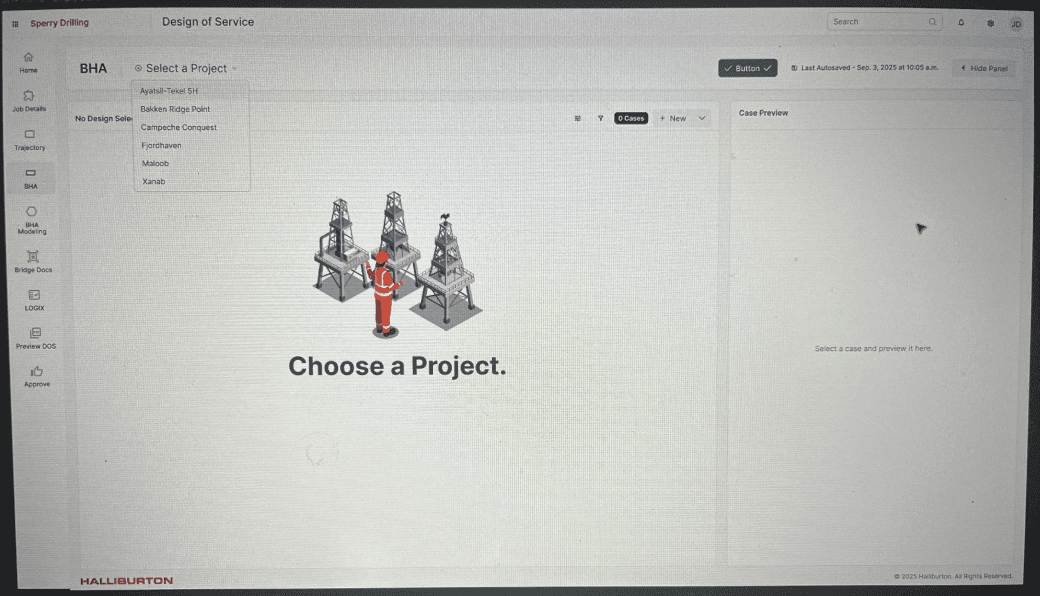
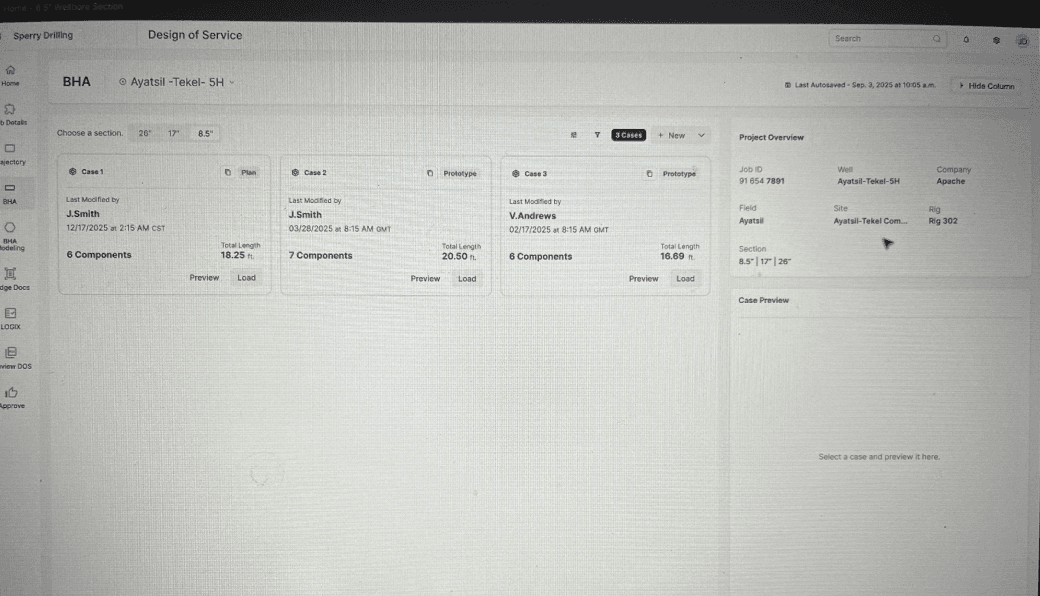
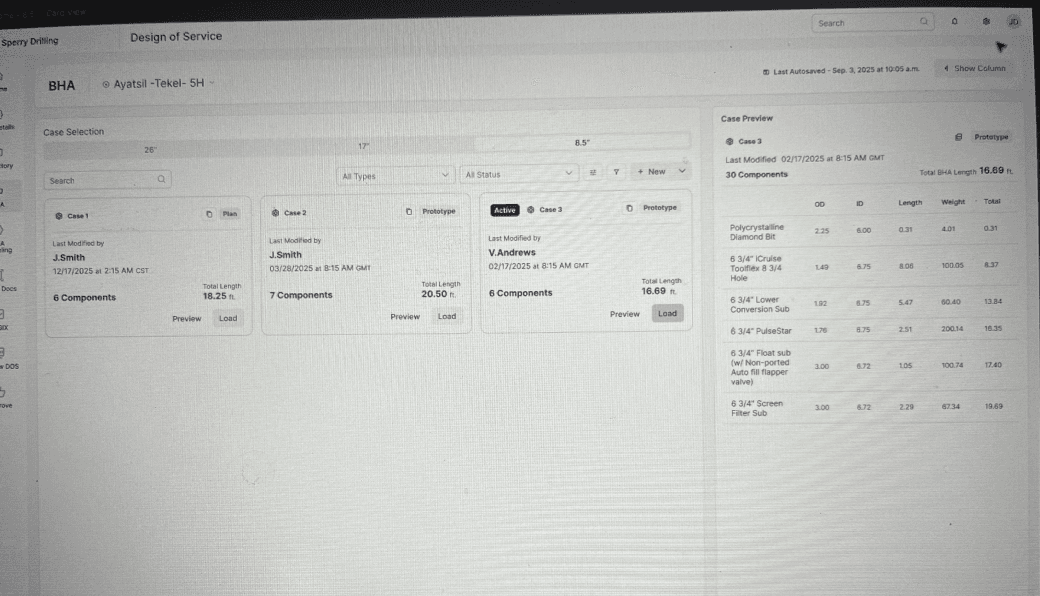
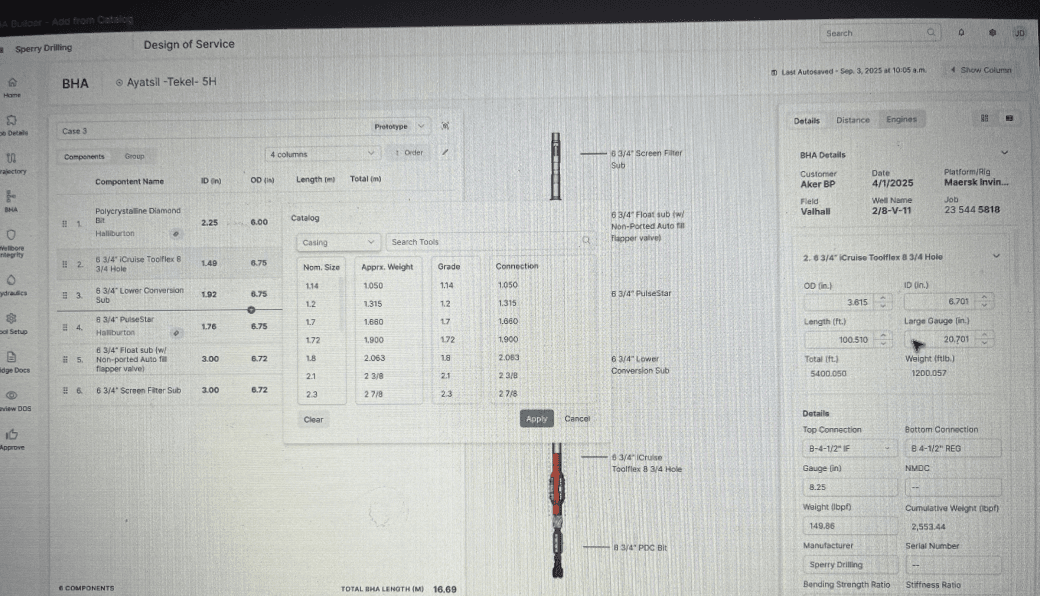
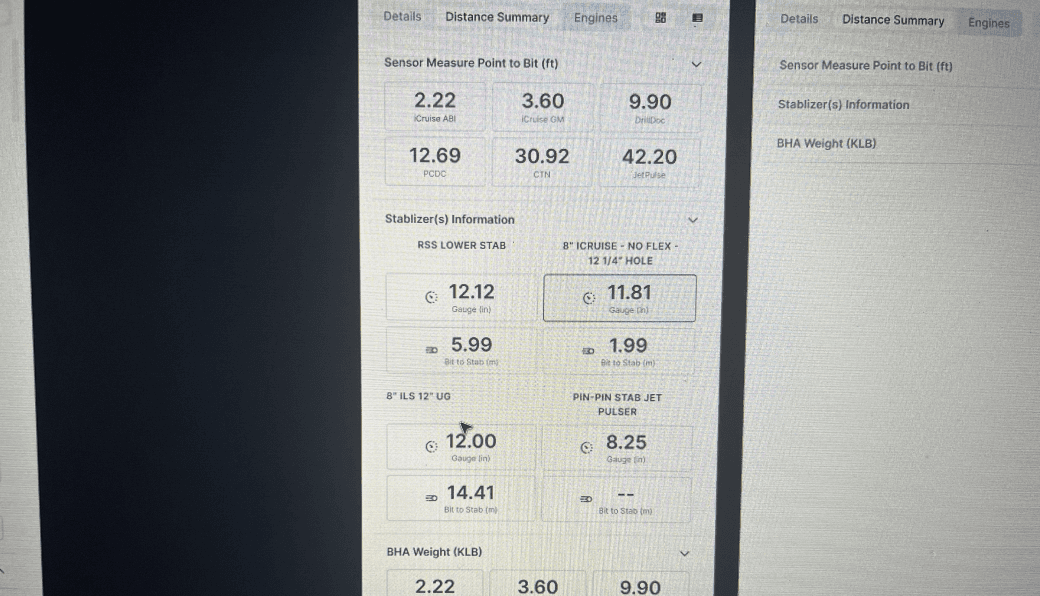
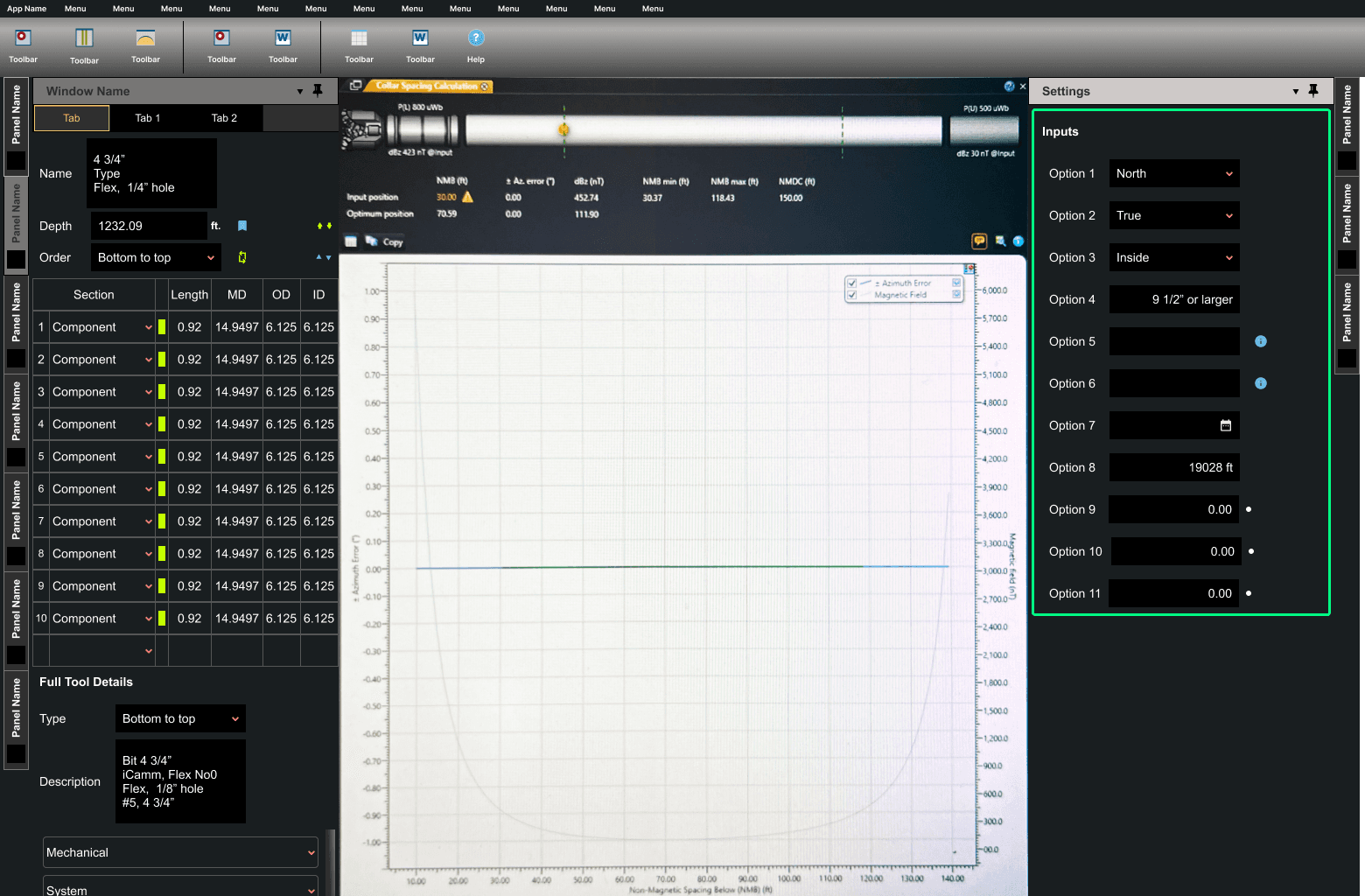
The clunky design tool, was the most painful. The laggy response time, lost work, and manual report generation were common themes in user feedback.

The clunky design tool, was the most painful. The laggy response time, lost work, and manual report generation were common themes in user feedback.

Before
The legacy application - a dated interface and clunky experience was not efficient.

Before
The legacy application had a dated interface and clunky experience that was inefficient.

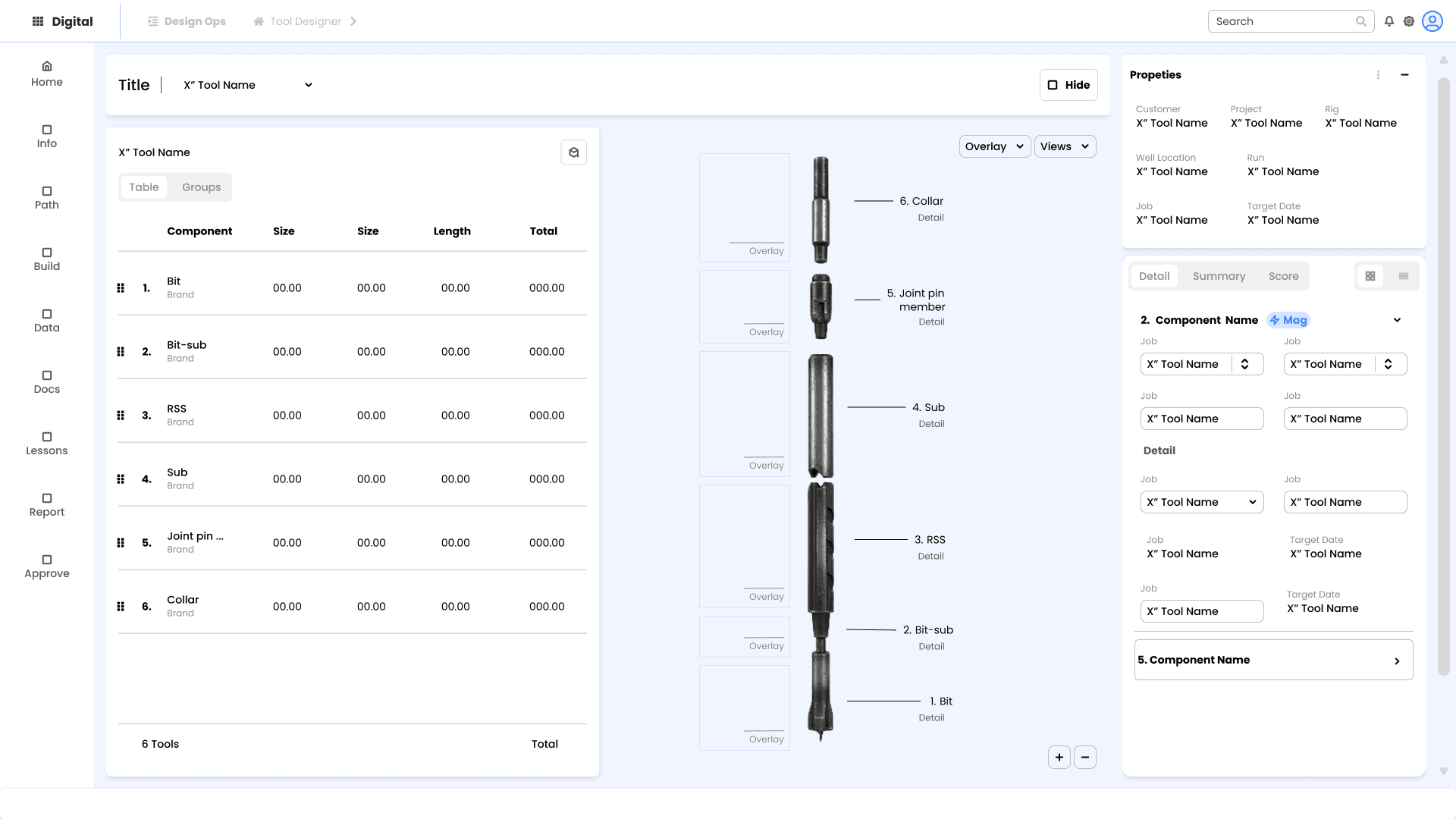
Tool Builder

Tool Builder

“the experience of the redesigned application was more efficient and quicker than using the current app and UI.”
5 of 5 usability testing participants,

5 of 5 usability testing participants, said

Impact/Results:
Impact/Results:

Impact/Results:

Projected reduction in time to design drilling tool.

Projected reduction in time to design drilling tool.

Delivered 4 new unique features to the application suite

Delivered 4 new unique features to the application suite

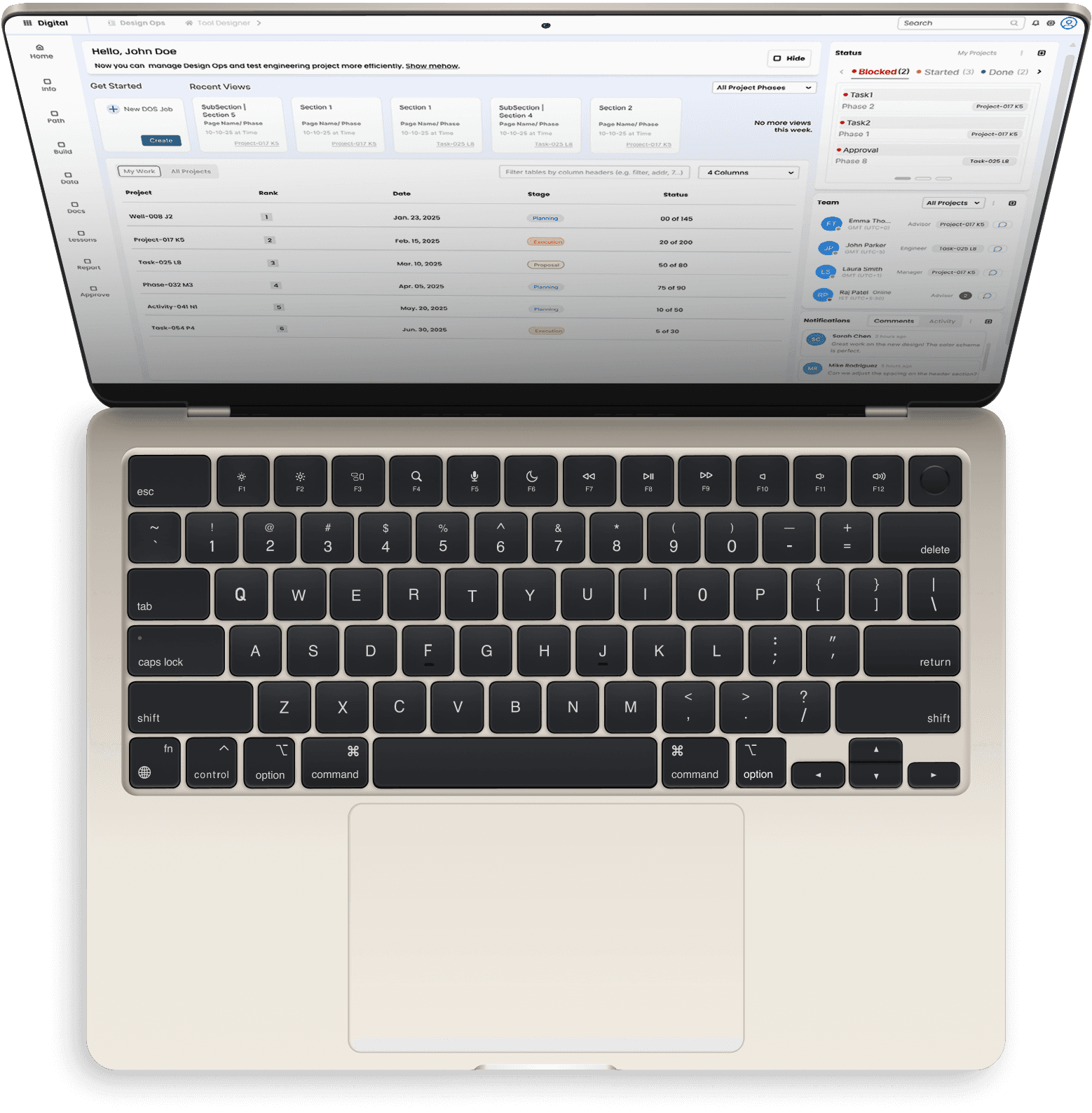
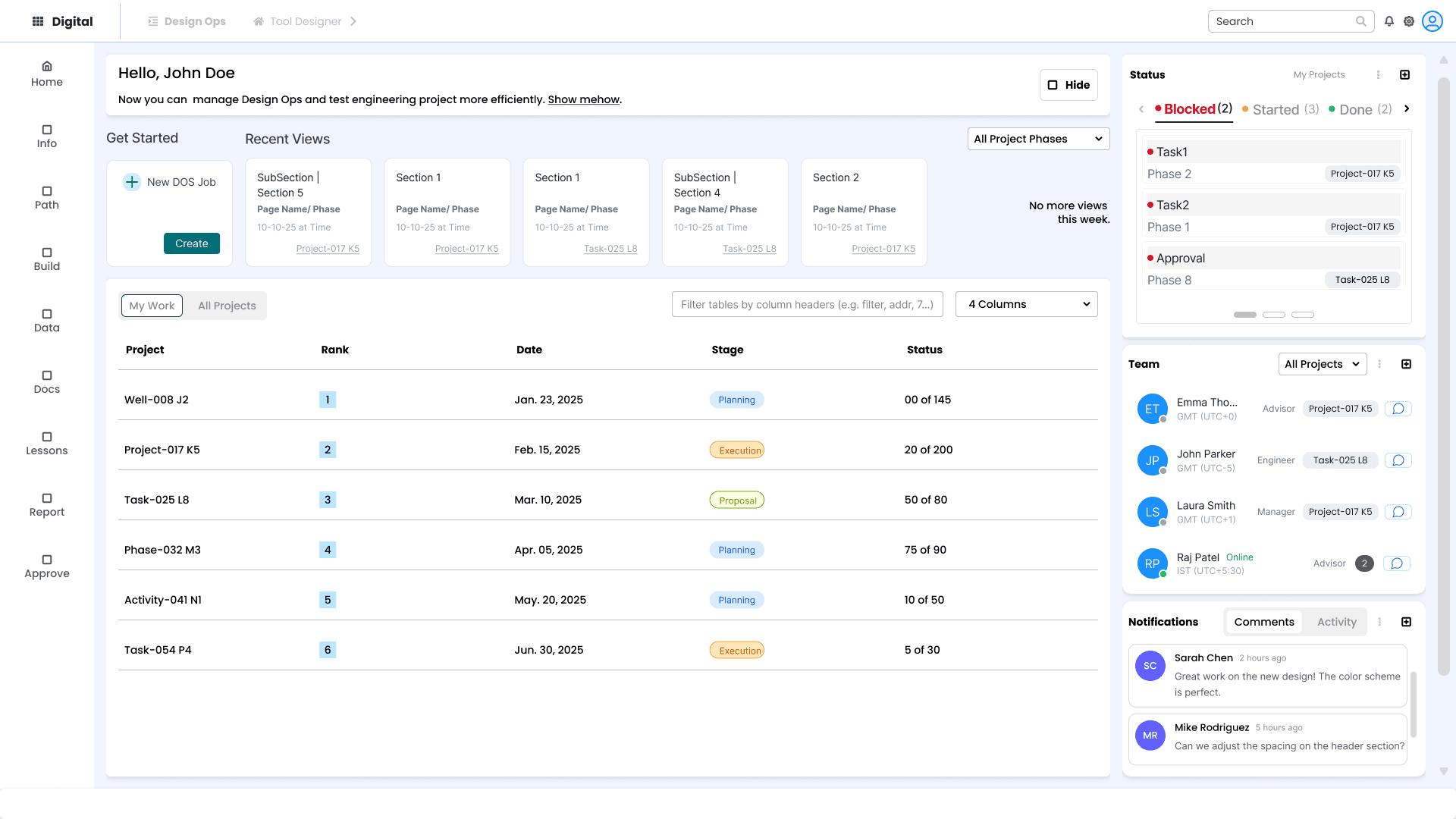
A beautiful dashboard page

The design system for design efficiency

The design system for design efficiency

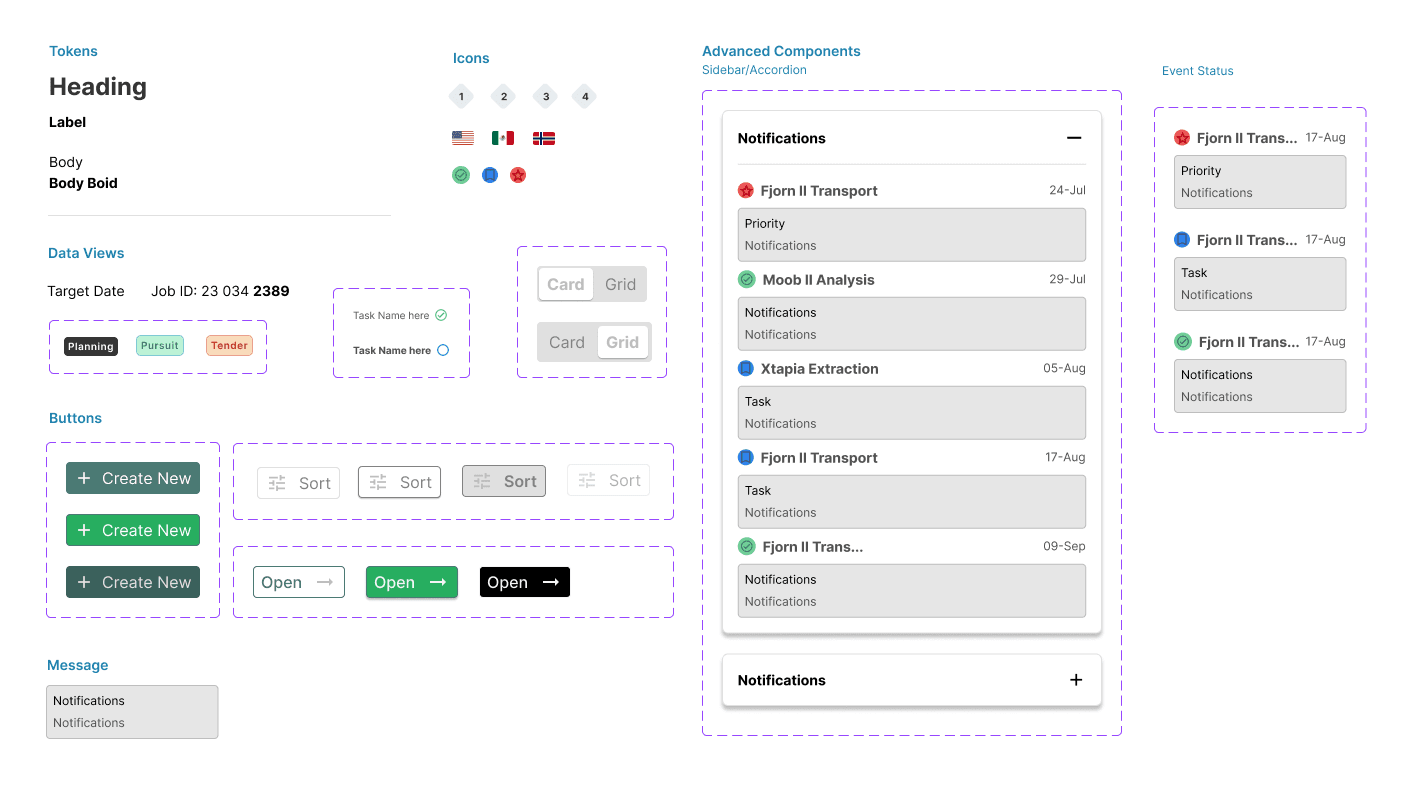
The design system allowed us to inspire the product team by building advanced components and screens quickly.

The design system allowed us to inspire the product team by building advanced components and screens quickly.

The design system allowed us to inspire the product team by building advanced components and screens quickly.

Home Dash

Home Dash
1
2
3
1
2
3
Home Dash

More unique modern features

More unique modern features

The product design - measuring decisions by the numbers

A digital transformation product design - measuring decisions by the numbers

Configure tool

Manage Versions

Regulated Requirements

Manage versions

The pattern:

Dash page, Project bar

Configure tool

Configure a tool

The pattern:

Right panel

Regulated requirements

The pattern:

Clear friendly copy points

Stylized illustration

The pattern:

Empty State and instruction

Results

...

Outcome 1

“Quote describing how the process sucks.”

Before

7+ applications messy screen.

Lots of tribal knowldege.

Tools disconnected

After

Result

“Quote describing how the process sucks.”

Result

“Quote describing how the process sucks.”

Starting a new project?

Starting a new project?

Let’s Connect!

Leave me a message